
Sage suite / Sage Estimating
Sage Estimating, built around your cost database.
Sage Estimating is the platform many estimating departments rely on. What makes it work for your company is a cost database that reflects how you build work — and that is where our engagement lives.
What it does
A cost database structured to your trades
Items, groups, and cost codes organized the way your team already breaks out work, rather than a generic starting template.
Assemblies with real formulas
One takeoff quantity driving material, labor, and equipment together, with formulas that respond to conditions instead of fixed multipliers.
Crew-based costing
Labor priced on your own crew compositions and burdened rates, with productivity factors for the conditions that change hours.
WBS, phases, and alternates
Slice an estimate by division, area, phase, or bid package, and carry alternates as structure rather than three copies of the file.
Reporting on live data
Reports built directly against your estimate data and formatted the way your project teams, owners, and lenders expect to read them.
Multi-user SQL
Configured so several estimators can work concurrently without the database becoming a source of contention.
What we do around it
The software is where it starts.
Rather not start from a blank database? Browse ready-made databases →
- A clear read on whether you need a new platform or a better-built database — sometimes the answer costs you nothing
- Installation, SQL Server configuration, and multi-user setup
- Database build-out: items, assemblies, crews, and pricing modeled to how you estimate
- Migration of the estimating history worth keeping from spreadsheets or a legacy system
- Custom reports built on your live data
- Hands-on training run against your own estimates, not a demo dataset
- Ongoing support, upgrades, and database maintenance
Who it carries the most weight for
How this looks in your trade.

General contractors
High bid volume across every division, and a bid day that depends on how fast you can level subcontractor quotes and catch the scope gaps.
Concrete, masonry & finishes
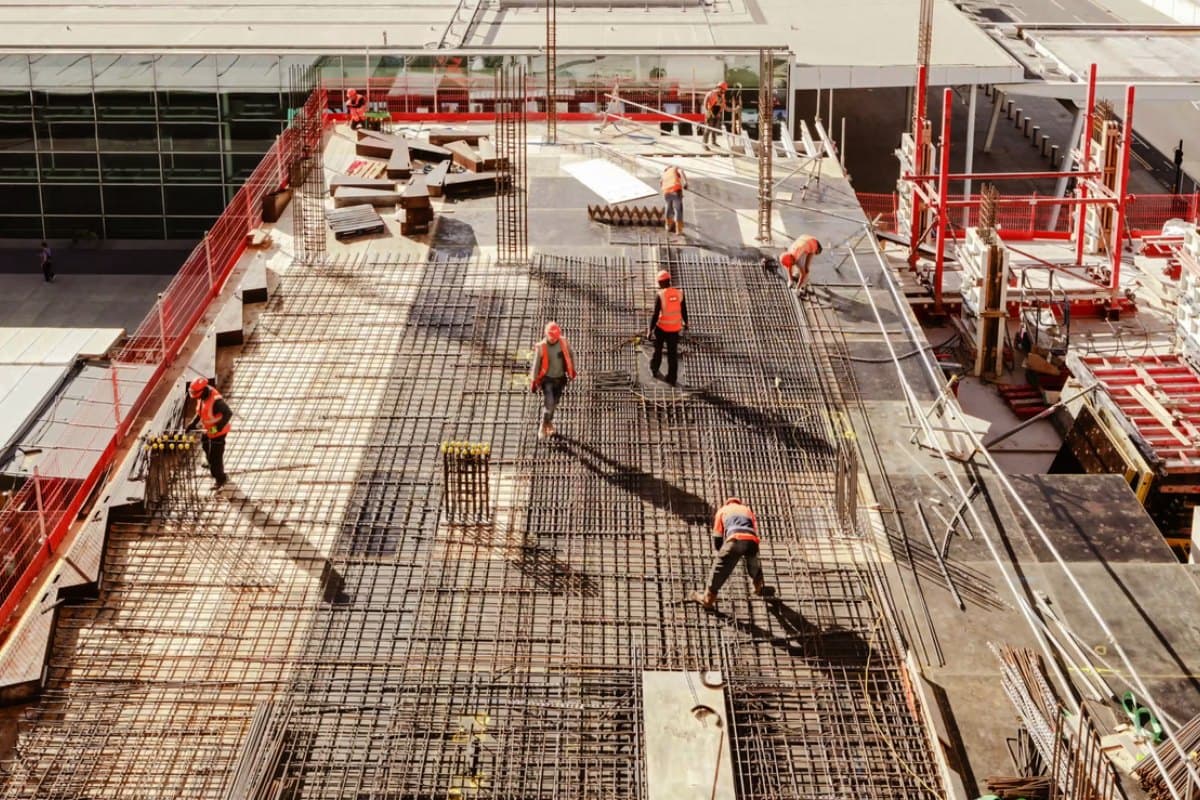
Self-performed, quantity-driven work — concrete, masonry, drywall, plaster and stucco — where takeoff accuracy and crew production rates are the whole estimate.

Site & civil
Earthwork, utilities, and paving — private site packages and public unit-price work, priced on equipment, production rates, and measured quantities.

Home builders & residential developers
The same plans built many times over, where the estimating problem is managing variants, options, and vendor pricing at scale.

Government & public works
Agencies and public owners who need estimating to run inside their own secured environment, with the cost history and audit trail public money demands.
Talk it through with us.
We’ll help you work out whether Sage Estimating is the right answer, whether it’s a configuration change, or whether it’s something we need to build.
- Response time
- One business day, usually the same day.